These answers cover the current iPhone version of Bag Replay.
How do I make a replay?
Choose one video or open the built-in demo. Set the clip range, edit the round and player names, and add an optional sponsor name, logo, and color. Trace each bag once, choose Hole, Board, or Off, and finish after any 1–8 bags.
Can I reuse sponsor branding?
Yes. The sponsor name, color, and normalized logo copy stay in the app's private storage on your iPhone. Only use branding that you own or have permission to publish.
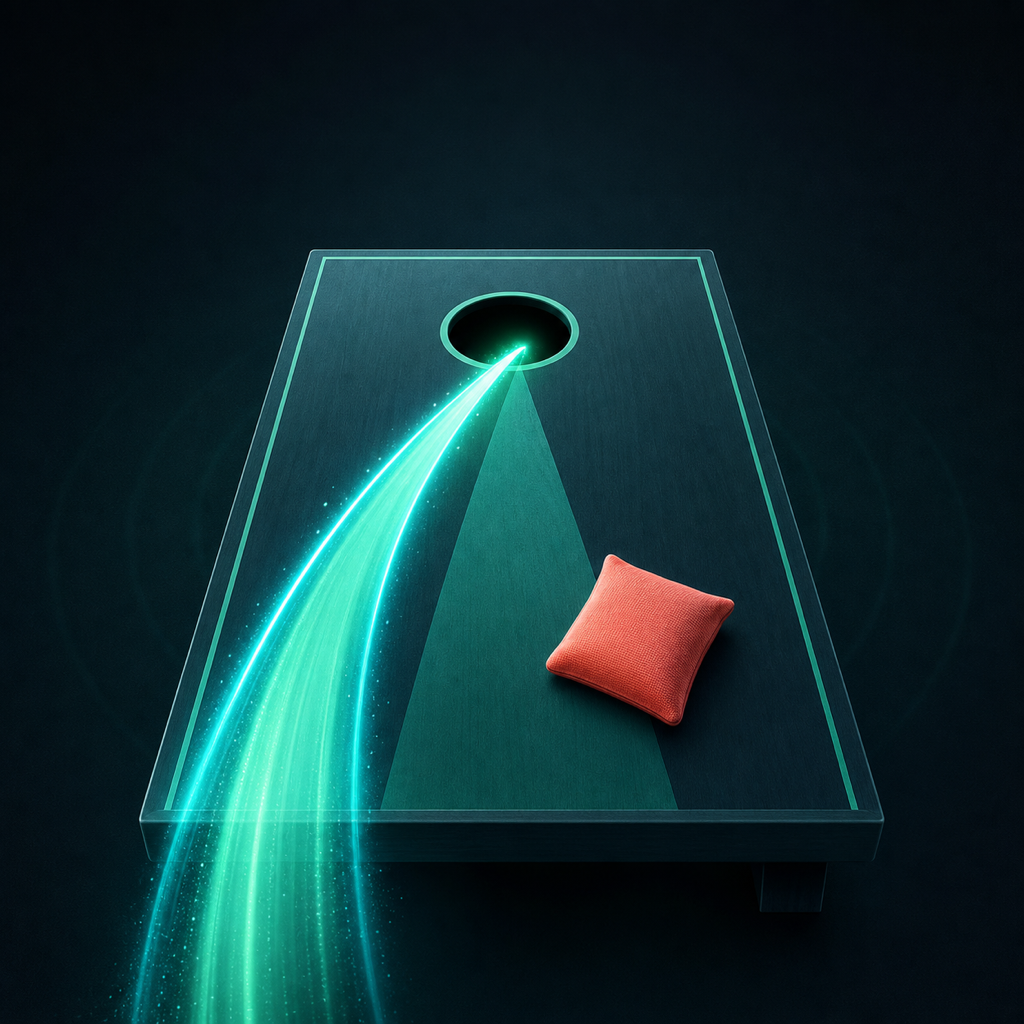
What does the trail mean?
The trail is an illustrative graphic authored by you. Bag Replay does not automatically track the bag or measure trajectory, speed, spin, release mechanics, or coaching quality.
Which videos work?
Version 1 supports portrait or landscape SDR video up to ten seconds and keeps source audio when present. Detected HLG or PQ HDR video is rejected with an explanation instead of silently changing its color.
Why did my export stop?
Keep Bag Replay in the foreground while it renders and leave at least 150 MB of free space. Failed, cancelled, or backgrounded exports do not consume the one free export.
How does Lifetime work?
The first complete sponsor-ready 1080p export is free. Bag Replay Lifetime is one USD 49.99 non-consumable purchase for unlimited sponsor-ready exports, reuse of the saved sponsor preset, and removal of the Bag Replay end card. Use Restore Purchases if an existing purchase is missing.
Contact the developer
Email ych010224@163.com. Include your iPhone model, iOS version, and what happened. Do not attach a private video unless the developer asks for it.